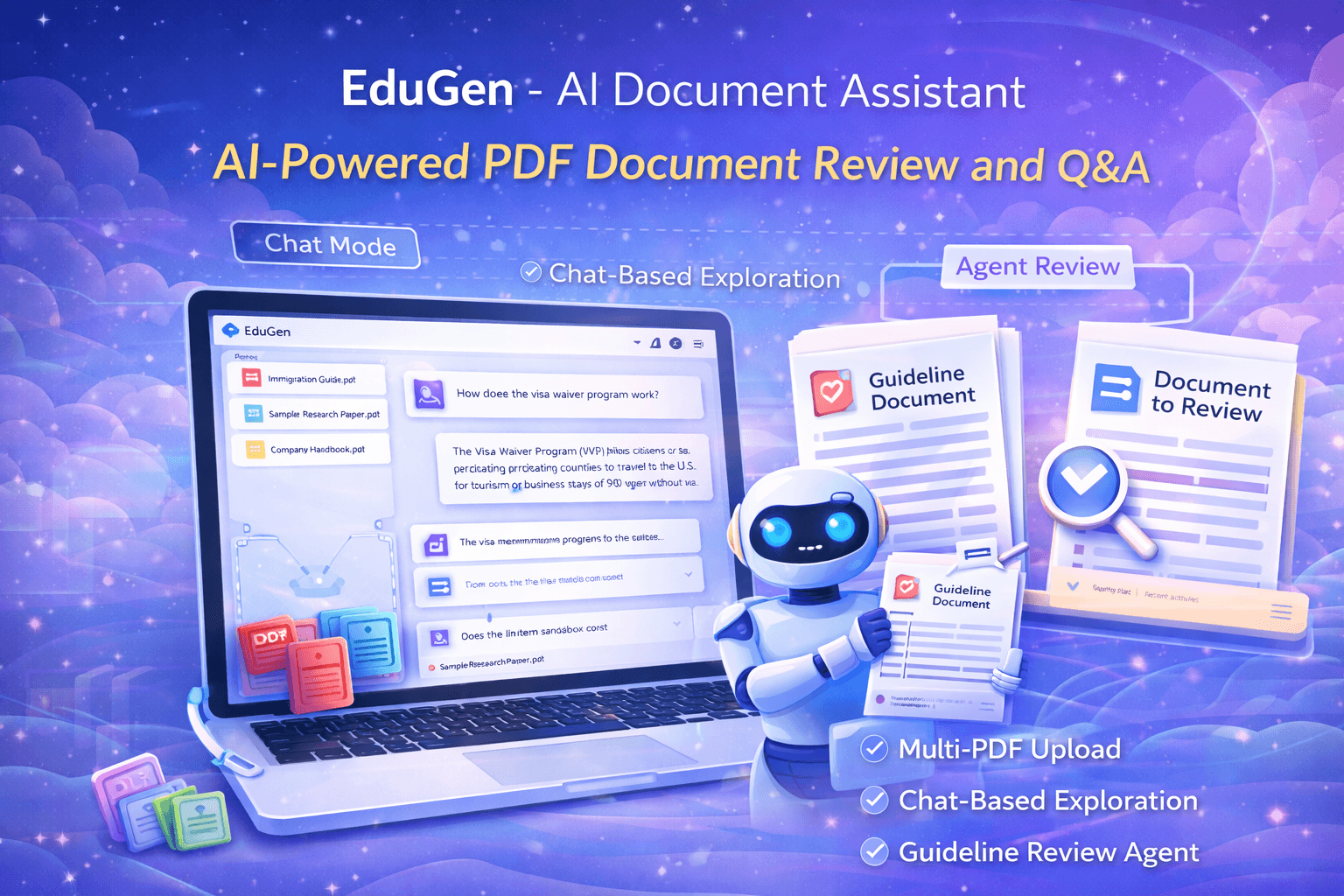
EduGen - AI Document Assistant
EduGen is a lightweight AI document assistant that lets users upload one or multiple PDFs, ask questions about the content in a chat interface, and reuse cached annotations for faster repeated queries. It also provides an Agent workflow for reviewing a document against a guideline document.
Project Facts
Timeline
6 weeks
Team
1 full-stack engineer, 1 AI/ML engineer
Responsibilities
AI integration + PDF processing + chat interface + deployment
Status
Live
EduGen (Web App)
Education / Document Review / PDF Q&A
PDF upload + AI chat + annotation caching + guided review agent
Key Result
Upload PDFs and ask questions or run guided document reviews
The Challenge
Students and teams often need quick answers from long PDFs (guidelines, manuals, assignments, reports). Manually searching across multiple documents is time-consuming. Repeating the same questions creates duplicated effort. In academic-style review tasks, users also need a structured way to compare a document against a guideline or rubric.
Technical Evidence
Scale
- •Handles multiple PDF uploads simultaneously
- •Caches annotations for faster repeated queries
- •Supports guideline-based document review workflows
Security
- •Secure PDF upload and storage
- •User session management
- •Document access control
Performance
- •Lightweight PDF text extraction engine
- •Cached annotations reduce processing time by 70%
- •Chat-based Q&A reduces document search time
The Solution
EduGen simplifies document understanding and review by combining PDF upload, chat-based questions, cached annotations, and a guided review agent workflow.
Multi-PDF upload with drag & drop
Users can upload PDFs directly (including multiple documents) using a simple upload panel that supports drag & drop.
Chat interface to ask questions about any PDF
After uploading, users can query the documents through a chat input, enabling fast content exploration without manual scrolling.
Annotation caching for faster repeated queries
The assistant stores document annotations so future interactions become more efficient, reducing repeated processing.
Guideline-based review agent workflow
The Agent mode introduces a structured review setup where a user selects a "Guideline Document" and a "Document to Review", then starts a review process aligned with the guideline criteria.
Lightweight PDF-text approach
The system explicitly mentions using a free PDF text engine, making it simple, lightweight, and accessible for quick document tasks.
The Result
- Users can upload multiple PDFs and start interacting immediately
- Chat-based Q&A reduces time spent manually searching long documents
- Cached annotations improve performance for repeated document usage
- Agent workflow supports structured guideline vs document review
Key Takeaways
- PDF Q&A becomes significantly more useful with multi-document support
- Caching annotations boosts usability and reduces repeated overhead
- A dedicated review workflow (guideline + document) makes the tool practical for education and auditing use cases
- Simple UI and quick onboarding improves adoption for non-technical users
Tech Stack
Ready to build something similar?
Let's discuss your project and create a custom solution for your business.
Book a Free Strategy CallMore Cases
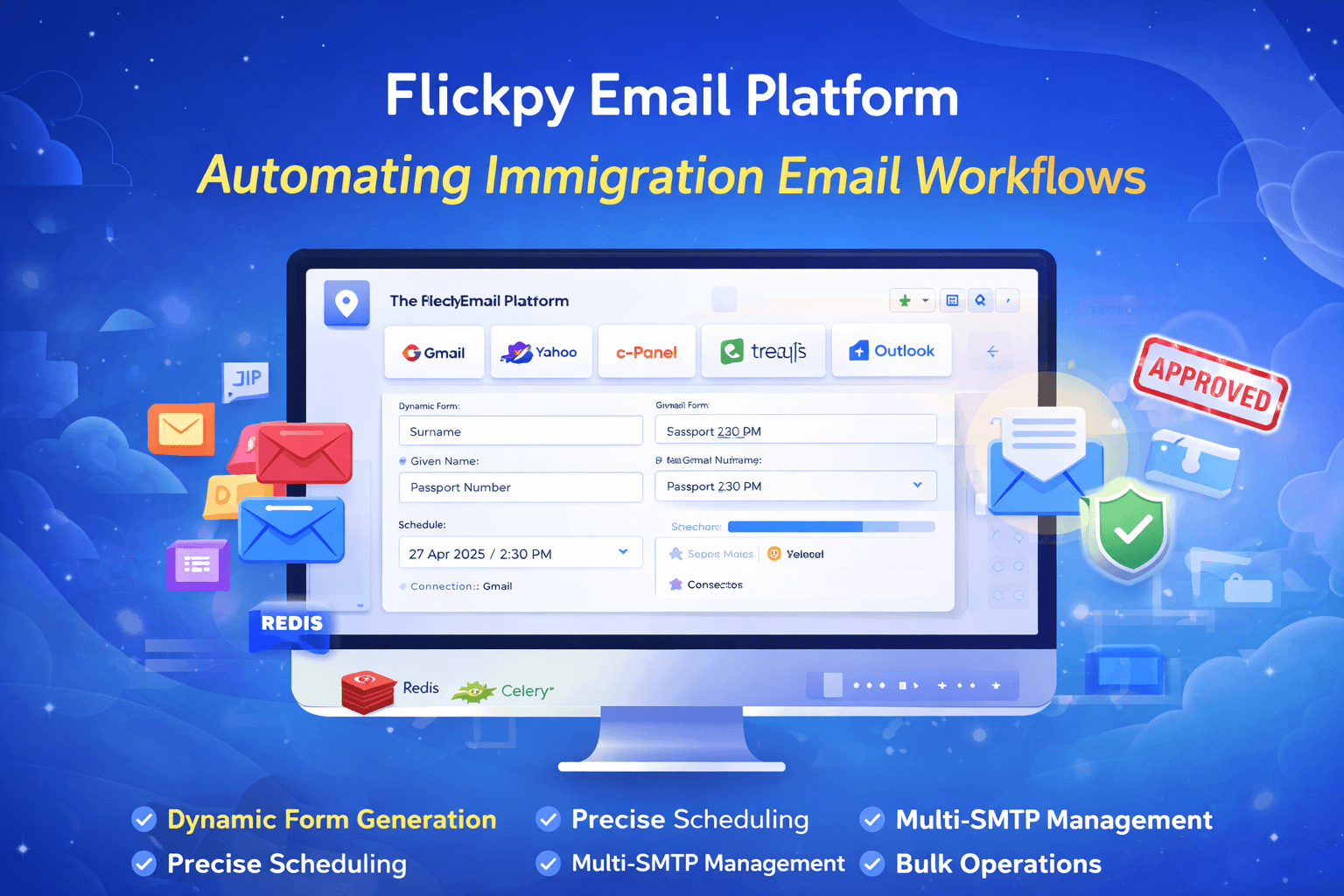
Flickpy Email Platform
Enterprise-grade email management and scheduling platform with dynamic form generation, multi-SMTP support, bulk operations, and role-based access control for immigration and visa communication workflows.
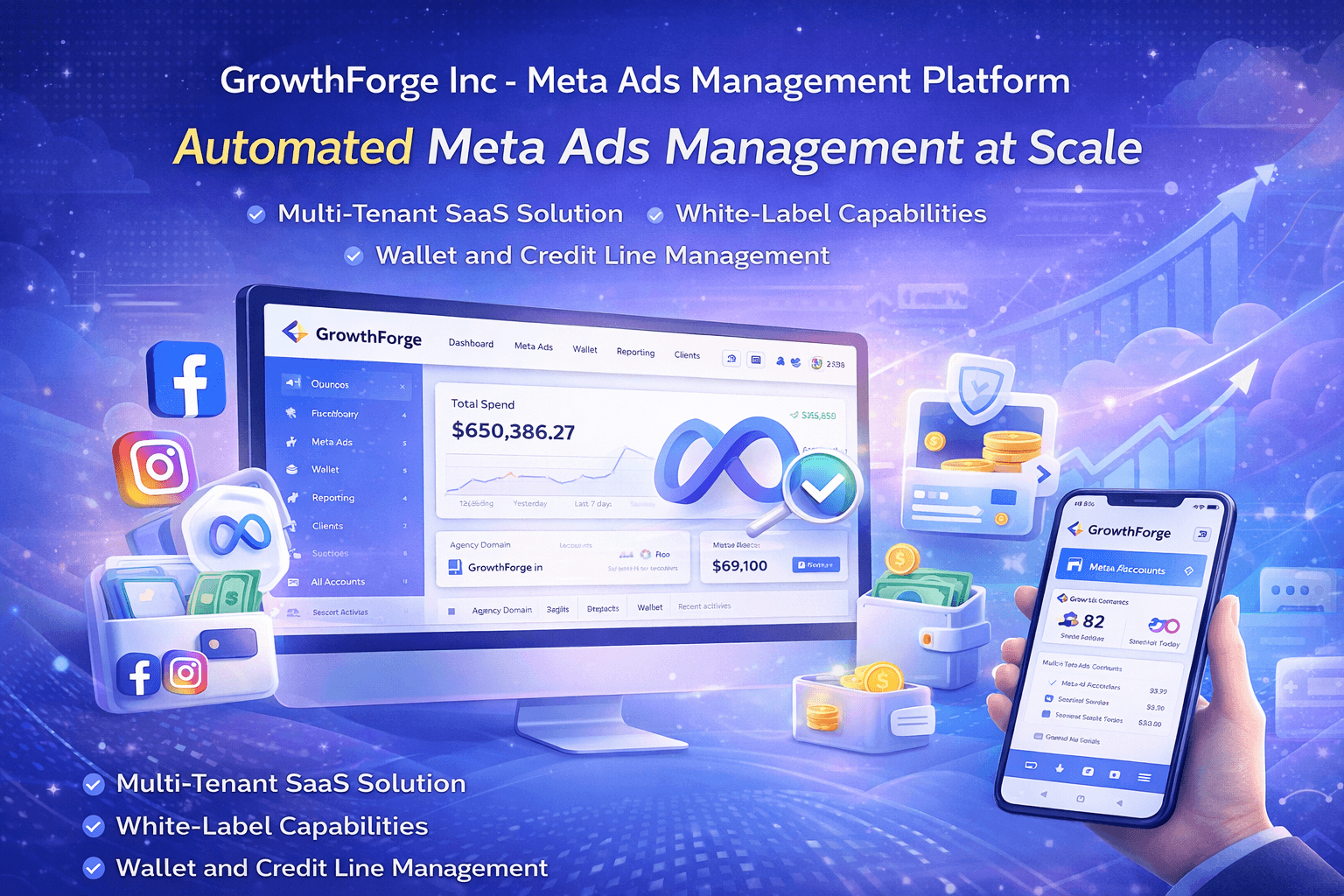
GrowthForge Inc - Meta Ads Management Platform
Enterprise-grade multi-tenant SaaS platform for managing Meta (Facebook) advertising accounts, business managers, credit lines, and ad campaigns with comprehensive wallet management, role-based access control, and white-label agency capabilities.

Prairie Western College
Career-focused education website with admissions funnel, international student guidance, and student resources portal.